AI that sounds like your brand, not a robot
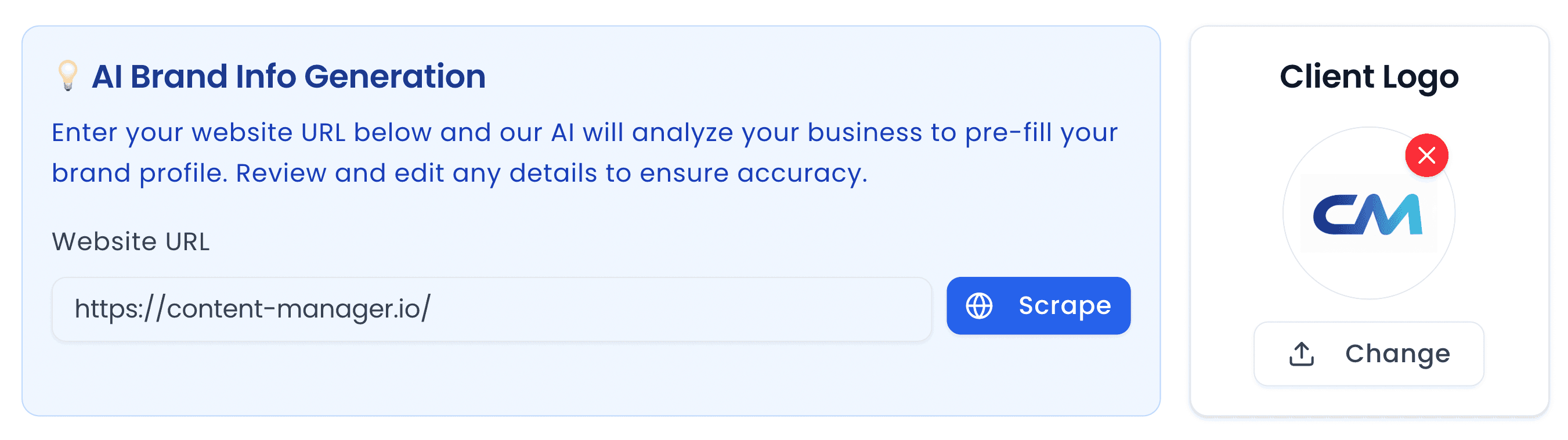
Enter your brand’s information, tone of voice, key messages and style guide once. The AI is trained on it, so every caption and content idea reads like you wrote it.
Build a realistic Instagram sponsored post mockup — creative, caption, headline and call-to-action button — with no ad account required.
0 characters
Switch between an organic post or a paid ad
Feed
Stories
Image preview
Your Headline
yourwebsite.com
An Instagram ad preview tool renders your creative, caption, headline and call-to-action as a Sponsored Instagram feed post, so you can review the ad or present it to a client before building it in Meta Ads Manager.
From the makers of this free tool
This preview tool is part of Content Manager, an AI social media management platform for marketing agencies, freelancers and in-house teams. It combines a brand-trained AI copywriter, a content calendar, a client approval portal and one-click scheduling in one place.
Enter your brand’s information, tone of voice, key messages and style guide once. The AI is trained on it, so every caption and content idea reads like you wrote it.
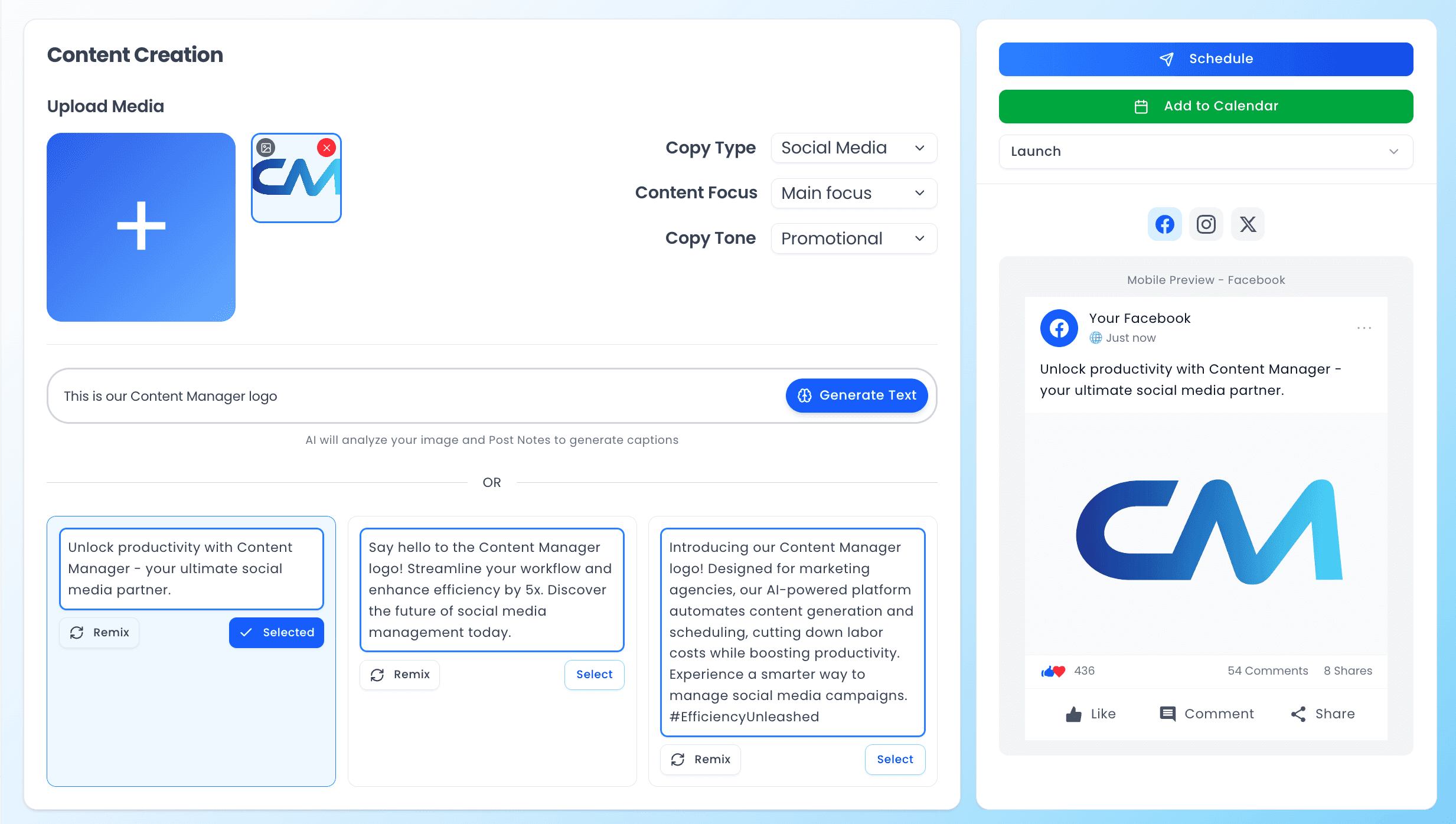
Upload an image and add a few notes. Content Manager writes platform-ready captions tailored to that image and your brand voice, then lets you remix or edit them before you schedule.
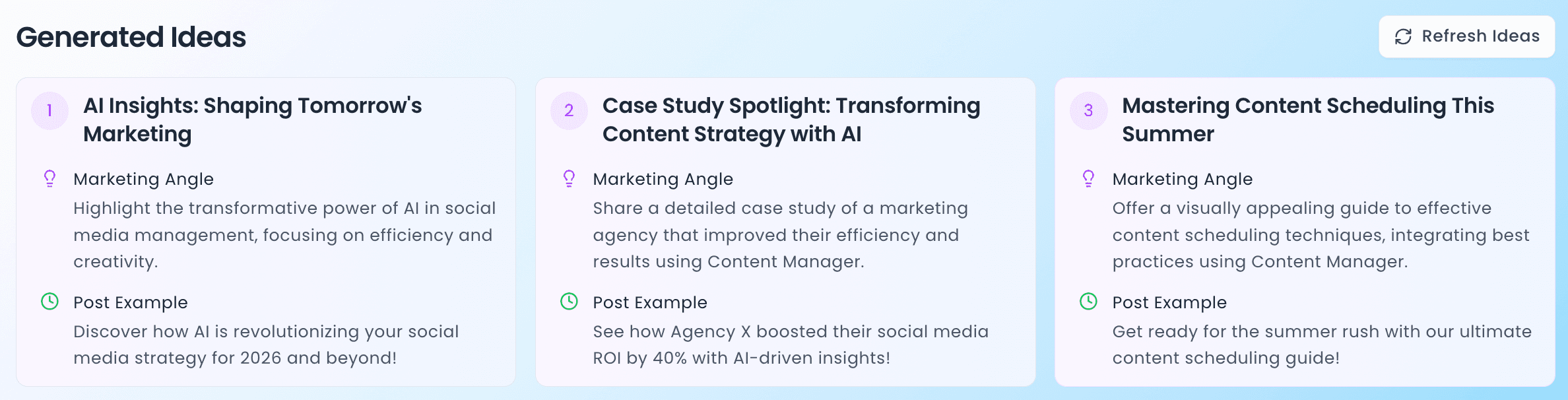
Stuck on what to post? Generate post ideas instantly, matched to your business, the season and upcoming events. Writer’s block becomes a thing of the past.
Publish to Facebook, Instagram, LinkedIn, Twitter/X, TikTok, YouTube and Threads from one calendar. Spend less time posting and more time creating.
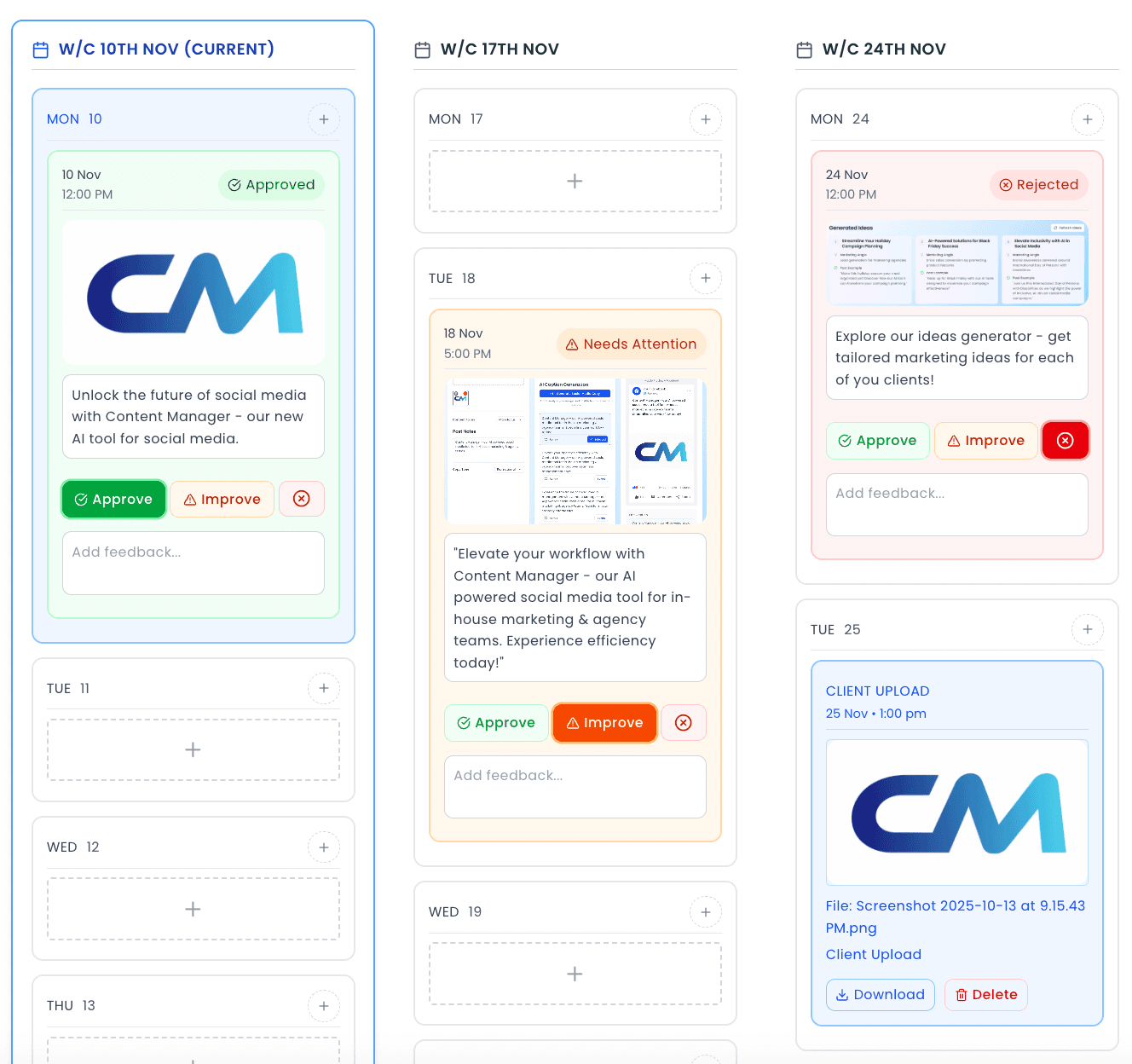
The client portal gives you and each client a two-way workspace that updates in real time. Share the content calendar, collect feedback and approvals, and receive the client’s own photo uploads, without losing anything in an email chain.
Every client gets a dedicated dashboard with upcoming posts, approval status, recent activity and their brand details, so you can manage more accounts with the same team.
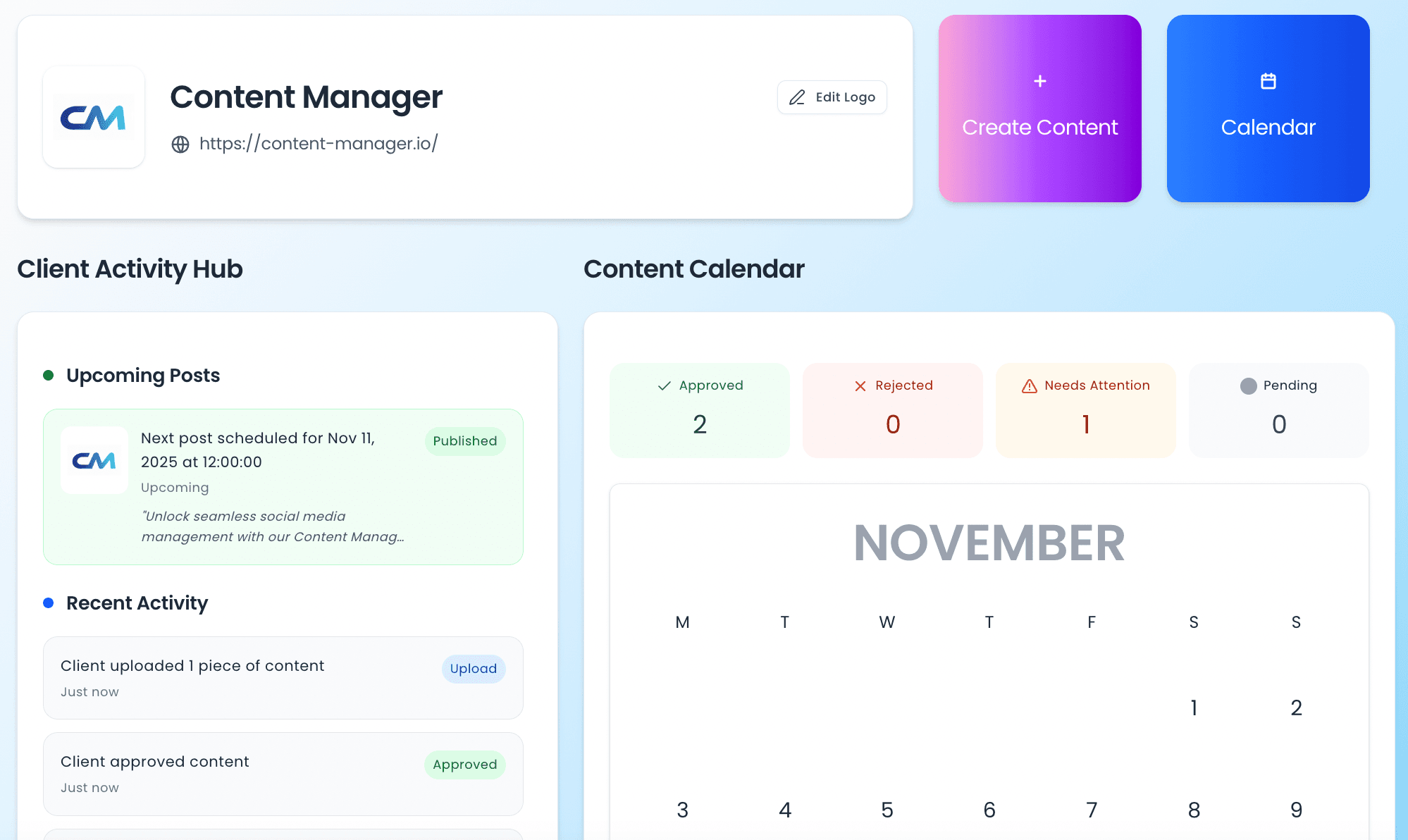
Generate on-brand content for every client, schedule across every platform and get approvals done, all in one place.
Instagram ads live or die on the crop. A 4:5 creative that looks perfect in Figma can lose its call to action once the caption, Sponsored label and CTA button are stacked around it. Mocking up the whole unit — not just the creative — is the only way to see whether the message survives the layout. And because no ad account is involved, you can do it in the first ten minutes of a client conversation.
Add your business name and logo, upload the creative and write your caption. Switch Post Type to Advert, add the headline and pick a call to action, then select the Instagram tab. Share the link with your client for sign-off before anything is built in Ads Manager.
| Square creative | 1080 × 1080 px (1:1) |
|---|---|
| Portrait creative | 1080 × 1350 px (4:5) |
| Story ad creative | 1080 × 1920 px (9:16) |
| Primary text | 125 characters recommended |
| Headline | 27 characters recommended, 40 maximum |
| Text on image | Keep under 20% of the image area |
Yes. The mockup is rendered in your browser from the creative and copy you provide — no Meta ad account, campaign or budget needed.
Use 1080 × 1080 px for square feed ads, 1080 × 1350 px for 4:5 portrait feed ads and 1080 × 1920 px for story ads. Keep text on the image under about 20% of the area.
Meta recommends around 125 characters of primary text and a headline of about 27 characters. Instagram feed captions truncate at roughly 125 characters, so lead with the offer.
No. Your image and caption stay in your browser while you build the preview and nothing is posted to any social network. A preview is only stored on our servers if you click Share, which creates a private link you can send to a client or teammate.
Yes. The social media post preview tool is free and requires no account, no credit card and no sign-up. Nothing you upload is published anywhere. Content Manager is the paid product behind it — a social media management platform for agencies — but the preview tool works on its own.
This preview tool is a free standalone feature of Content Manager — an AI-powered platform built for marketing agencies. With a full account you can generate brand-trained captions using AI, schedule posts across every platform, manage multiple clients from a shared workspace, and get content approved through a built-in client portal. No more copy-pasting between tools.