AI that sounds like your brand, not a robot
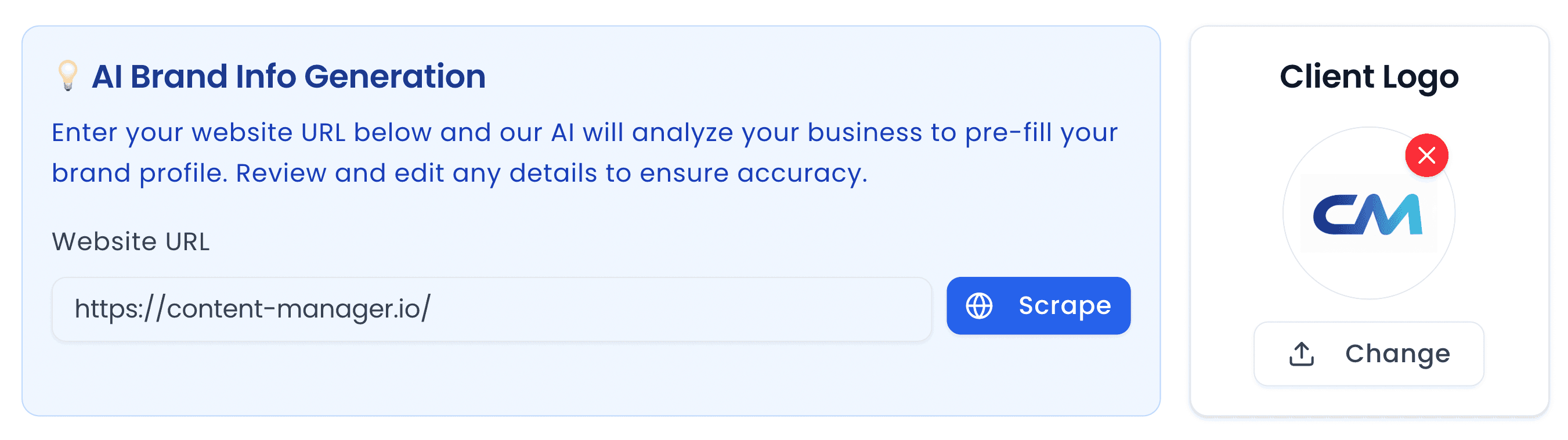
Enter your brand’s information, tone of voice, key messages and style guide once. The AI is trained on it, so every caption and content idea reads like you wrote it.
See exactly how your post will look on every major platform — as an organic post or a paid ad. No account needed, completely free.
0 characters
Switch between an organic post or a paid ad
Feed
Stories
Image preview
A social media post preview tool renders your image and caption inside a mock version of each platform’s feed, so you can see the image crop, where the caption truncates and how your profile name and logo appear before you publish. It catches layout problems that a scheduling tool will not show you.
From the makers of this free tool
This preview tool is part of Content Manager, an AI social media management platform for marketing agencies, freelancers and in-house teams. It combines a brand-trained AI copywriter, a content calendar, a client approval portal and one-click scheduling in one place.
Enter your brand’s information, tone of voice, key messages and style guide once. The AI is trained on it, so every caption and content idea reads like you wrote it.
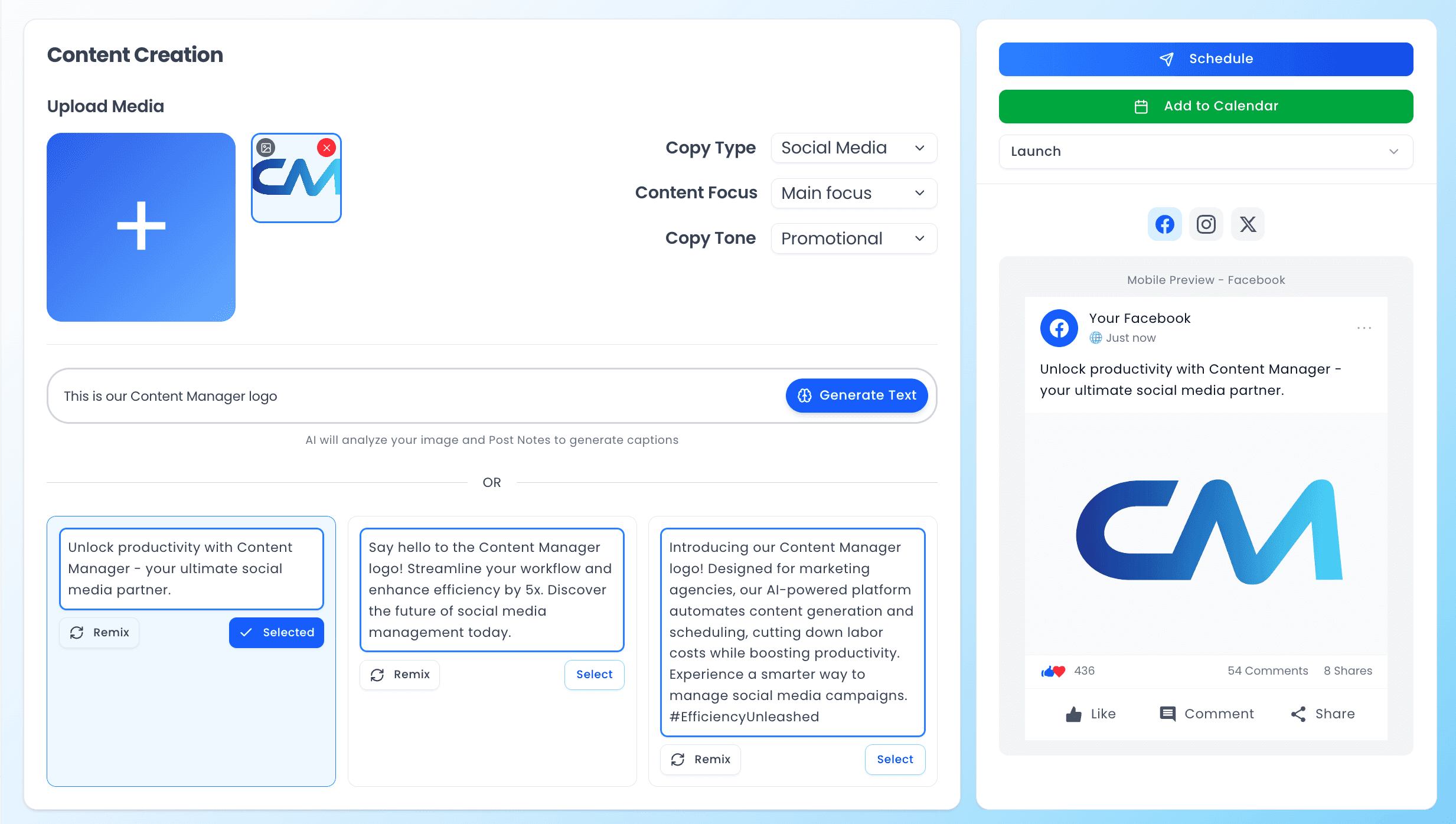
Upload an image and add a few notes. Content Manager writes platform-ready captions tailored to that image and your brand voice, then lets you remix or edit them before you schedule.
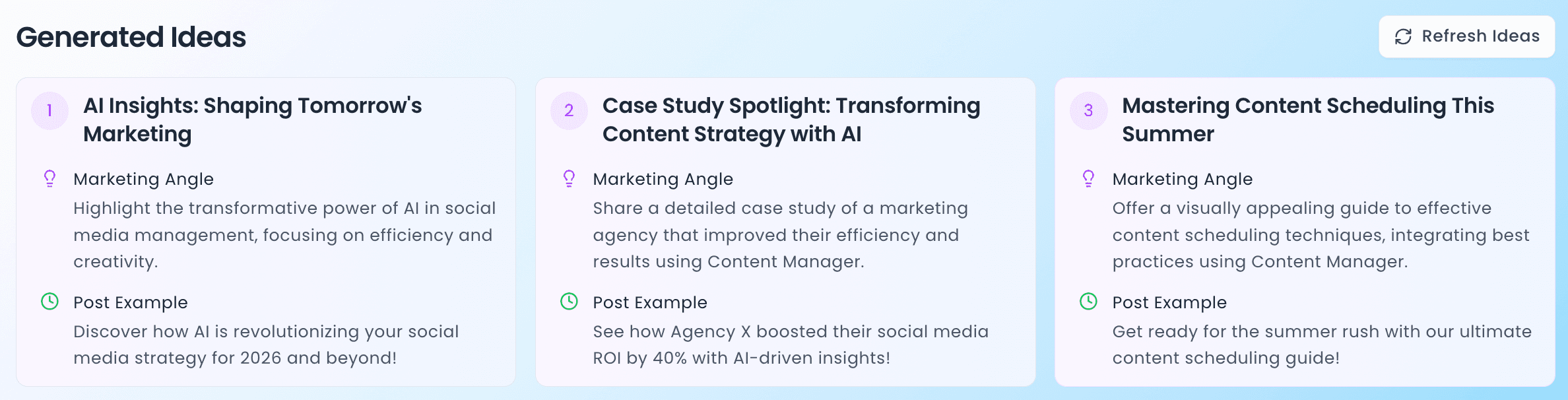
Stuck on what to post? Generate post ideas instantly, matched to your business, the season and upcoming events. Writer’s block becomes a thing of the past.
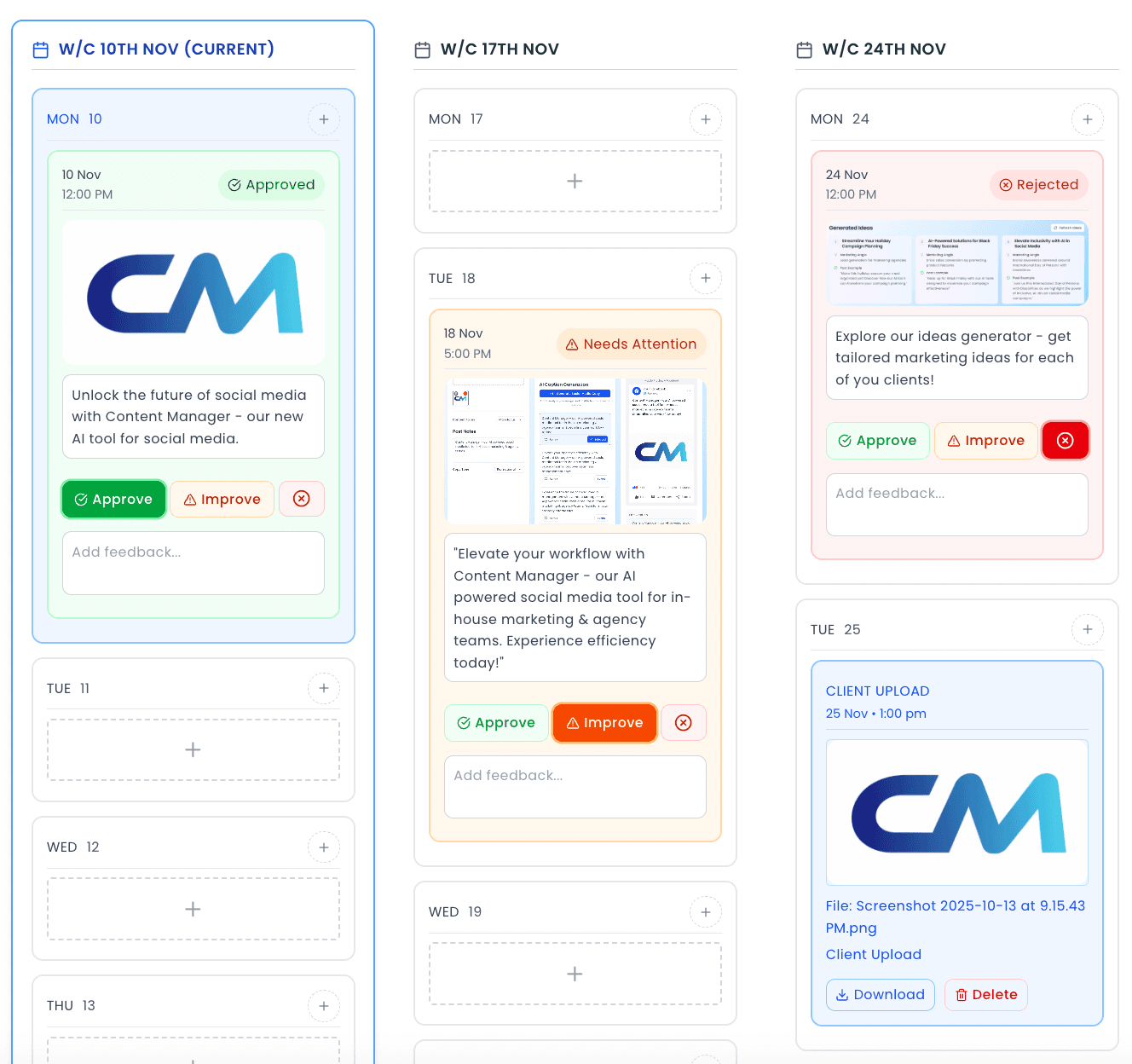
Publish to Facebook, Instagram, LinkedIn, Twitter/X, TikTok, YouTube and Threads from one calendar. Spend less time posting and more time creating.
The client portal gives you and each client a two-way workspace that updates in real time. Share the content calendar, collect feedback and approvals, and receive the client’s own photo uploads, without losing anything in an email chain.
Every client gets a dedicated dashboard with upcoming posts, approval status, recent activity and their brand details, so you can manage more accounts with the same team.
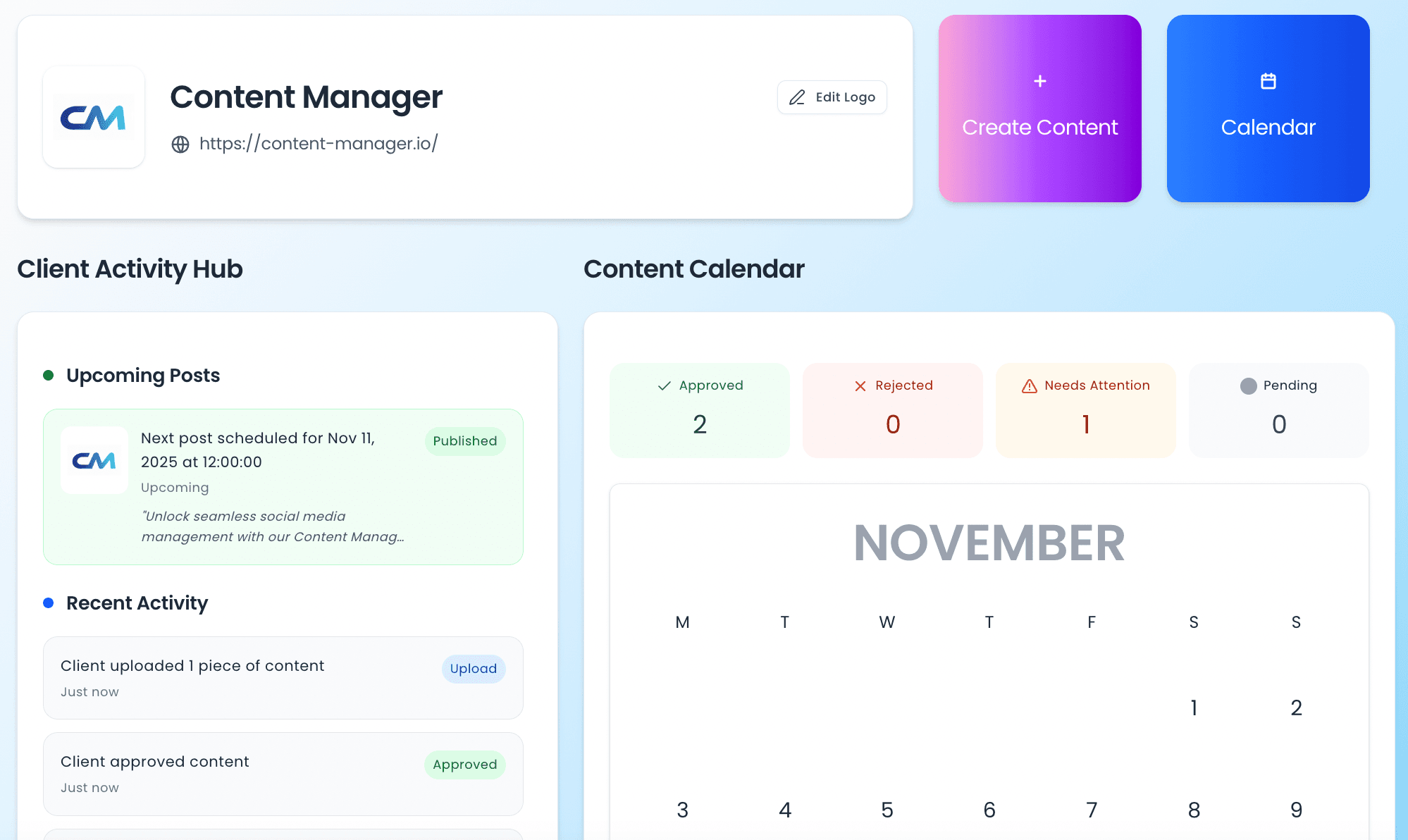
Generate on-brand content for every client, schedule across every platform and get approvals done, all in one place.
Enter your business name and upload your logo in the left column. Upload your post image and write your caption in the middle column. Pick a platform tab on the right and the preview renders live — profile picture, caption layout, image cropping and engagement buttons included. Toggle between Organic and Advert to check both formats, then click Share to send a client a link to the mockup.
Most social media preview tools only show organic posts. Ours lets you toggle between organic and paid ad formats so you can check how your ad creative will render — including the Sponsored label, headline text, call-to-action button and destination URL. This is especially useful for agencies and media buyers who need to present realistic ad mockups to clients before spending any budget.
A social media post preview tool renders your image and caption inside a mock version of each platform’s feed, so you can see the image crop, where the caption truncates and how your profile name and logo appear before you publish. It catches layout problems that a scheduling tool will not show you.
Facebook, Instagram, LinkedIn, Twitter/X and TikTok feeds, plus Facebook Stories and Instagram Stories. Each can be previewed as an organic post or as a paid ad with a headline, Sponsored label and call-to-action button.
Yes. It is completely free with no account, no credit card and no sign-up. Content Manager is the paid social media management platform behind it, but the preview tool works entirely on its own.
No. The preview is generated in your browser from the image and caption you provide. Nothing is connected, posted or published to any social network.
Yes. Click Share and the tool creates a private link to the mockup that you can send to a client or colleague. They can open it in a browser without creating an account.
Yes. Switch the Post Type toggle to Advert to add a headline and a call-to-action button and render the post with the Sponsored or Promoted label — useful for presenting ad concepts before building anything in Ads Manager.
This preview tool is a free standalone feature of Content Manager — an AI-powered platform built for marketing agencies. With a full account you can generate brand-trained captions using AI, schedule posts across every platform, manage multiple clients from a shared workspace, and get content approved through a built-in client portal. No more copy-pasting between tools.